LinkedIn Connection Request Note Character Limit 2026: Official Limit, Rules & Templates
The official LinkedIn connection request note limit in 2026 is 300 characters, on every plan. But notes between 120 and 180 characters win on acceptance rate. Full breakdown, 10 templates, and the difference with InMail and DM limits.
If you have ever started typing a LinkedIn invitation note and watched the counter tick down to zero, you already know the answer feels harder to find than it should. The official LinkedIn connection request note limit in 2026 is 300 characters, spaces and emojis included, on every plan.
But the limit is only half the story. The other half is what fits inside it. We analyzed more than 80,000 invitations sent through ReactIn campaigns and the data is unambiguous: notes between 120 and 180 characters outperform notes that try to fill the full 300. Here is the full picture for 2026, including the rules by plan, the changes since 2021, the limits for InMails and DMs, and ten templates that respect the cap.
TL;DR: the 300-character rule
Here is everything you need to know in one paragraph. The personalized note on a LinkedIn connection request is capped at 300 characters in 2026. That cap includes spaces, line breaks, punctuation and emojis. It is the same on LinkedIn Free, Premium, Business, Sales Navigator and Recruiter. Connection notes are also optional: you can send the invitation blank and our data shows blank invitations actually win on acceptance rate.
- Cap: 300 characters, all plans
- Counts: letters, spaces, line breaks, emojis (each emoji = roughly 2 characters)
- Optional: you can send without a note
- Best practice length: 120 to 180 characters
LinkedIn Help Connection Request Note Character Limit: What the Official Page Says
Type "linkedin help connection request note character limit" into Google and the official answer sits on one LinkedIn Help page, titled "Personalize invitations to connect". It is a short page, it is the only primary source, and most of the articles ranking around it paraphrase it badly. Here is what it actually states in 2026, and what it leaves out.
- Premium members (Career, Business, Sales Navigator, Recruiter) can attach a note of up to 300 characters to a connection request.
- Basic (free) members get a shorter note box, 200 characters, since LinkedIn rolled out the split in 2023.
- Free members are also capped on the number of personalized invitations per month. Once the cap is hit, LinkedIn only lets you send blank invitations until the next month.
- The character counter in the invitation dialog is the source of truth: if it says 200, your account is on the free cap, whatever a third-party article claims.
What the LinkedIn Help page does not say matters just as much. It gives no guidance on note length and acceptance rate, it does not explain how emojis or line breaks are counted, and it publishes no changelog: when LinkedIn adjusts a limit, the help article is quietly edited, which is why so many screenshots online contradict each other. The rest of this guide fills those gaps with the data from 80,000+ ReactIn invitations.
ReactIn applies the same split as LinkedIn Help. The campaign editor caps the invitation note at 300 characters on Premium sender accounts and at 200 on free ones, and the rendered note is checked again at send time, after your variables are filled in. A note that overflows the sender's cap is skipped and logged rather than truncated mid-sentence, so you never send a note that ends with half a word.
LinkedIn Invitation Note 300 Characters LinkedIn Help: How the 300 Are Counted
The LinkedIn Help page gives you the number, 300 characters for a Premium invitation note, but not the counting rules. People search "linkedin invitation note 300 characters linkedin help" precisely because the counter in the dialog drops faster than expected. Here is exactly what eats into the 300.
- Spaces, punctuation and line breaks: each one is a full character. A note with three short paragraphs spends 4 to 6 characters on blank lines alone.
- Emojis: LinkedIn counts them the way JavaScript does, in UTF-16 units. A plain emoji costs 2 characters, a flag or a skin-tone variant can cost 4 or more.
- Links: a URL counts letter by letter, there is no shortening. A typical page link costs 40 to 60 characters, a fifth of your budget, and links inside invitation notes are a known trigger for LinkedIn's spam filters.
- Personalization variables: the counter measures the rendered text, so {firstName} costs as many characters as the actual first name. A 4-letter name and a 12-letter name do not leave you the same room.
- Accents and non-Latin scripts: one character each, no penalty. Writing a note in French, German or Spanish does not cost you more.
When you reach the cap, LinkedIn does not truncate or show an error: the text box simply stops accepting keystrokes, on desktop and on mobile. If you paste a 340-character note, the last 40 characters are cut silently, so always re-read the end of a pasted note before hitting Send. The behavior is identical at 200 characters on a free account.
Practical rule from our data: plan for 20 to 30 characters of slack. Write the note for the longest first name in your list, keep emojis to one at most, and leave the link out entirely. That keeps a 300-character note in the 120 to 180 range that wins on acceptance, and it keeps a 200-character note on a free account from being cut in the middle of your call to action.
Official limits by LinkedIn plan
There is no plan that unlocks a longer connection note. Sales Navigator gives you more InMail credits, Recruiter gives you sourcing seats, Premium gives you who-viewed-your-profile, but the invitation note stays at 300 characters everywhere.
| Plan | Note limit | Notes |
|---|---|---|
| Free / Basic | 300 characters | Limited to ~5 noted invites per month before LinkedIn nudges you to upgrade |
| Premium Career / Business | 300 characters | Same cap, no per-month restriction on noted invites |
| Sales Navigator | 300 characters | Same cap. InMail credits unlocked separately |
| LinkedIn Recruiter | 300 characters | Same cap. Recruiter has its own larger InMail pool |
Sales Navigator connection request limits
Sales Navigator is the plan most B2B teams use for outbound, so it deserves its own breakdown. While the connection note stays at 300 characters, Sales Navigator changes the game in other ways.
- Connection note: 300 characters, identical to every other plan
- InMail credits: 50 per month (Core) or 150 per month (Advanced), unused credits roll over for up to 3 months
- InMail subject: 200 characters, InMail body: 1,900 characters
- Saved leads and accounts: up to 10,000 leads and 1,000 accounts on Core
The key takeaway: Sales Navigator does not unlock a longer invitation note. Its value lies in better search filters, lead recommendations, and InMail credits, not in a bigger character cap on the connection request itself.
What changed in 2024, 2025 and 2026
The 300-character limit has been stable for years, but the rumor mill keeps trying to convince people it dropped. Here is the actual timeline so you can stop second-guessing the cap when you write your next note.
2021: free-account experiment
LinkedIn briefly tested a cap of around 5 noted invitations per month for free users, while keeping the 300-character note length unchanged. The per-month cap stuck. The character limit was never reduced.
2023: parity confirmed
Sales Navigator, Premium and Recruiter all converged on the same 300-character note cap, ending the brief confusion about whether paid plans got more room.
2024 to 2026: no further changes
Every limit-tracker and changelog from the LinkedIn engineering team confirms the same number. Anyone telling you the note shrank to 200 or 220 characters in 2026 is repeating an old screenshot from the 2021 free-account test.
Connection note vs InMail vs DM character limits
The note on a connection request is one of four distinct text boxes LinkedIn ships, and each has its own cap. Mixing them up is the most common reason people think the connection note shrank.
| Message type | Character limit | When to use |
|---|---|---|
| Connection request note | 300 characters | First touch, before acceptance |
| InMail subject (Premium / Sales Nav) | 200 characters | Cold outreach without connecting first |
| InMail body | 1,900 characters | Long-form cold pitch |
| Regular DM (after acceptance) | 8,000 characters | Follow-ups, nurture, full pitches |
Two practical implications. First: a 300-character note is short by design, do not try to pitch inside it. Second: save your 1,900-character argument for the InMail or the post-acceptance DM, where the room actually exists.
LinkedIn Connection Message Character Limit: Note, First Message or InMail?
"LinkedIn connection message character limit" is the most ambiguous query around this topic, because LinkedIn has three different boxes that people call a connection message. Each has its own cap, and the confusion between them explains most of the wrong numbers floating around.
The note attached to the connection request
This is the text you type after clicking Connect, then Add a note. Cap: 300 characters on Premium, 200 on a free account. The prospect reads it before deciding to accept, in the invitation card, without opening a conversation. It is the only box covered by the connection note limit discussed in this article.
The first message after the request is accepted
Once the prospect accepts, you are writing in the regular LinkedIn messaging box, and the cap jumps to 8,000 characters. This is the "connection message" most people mean when they ask about follow-ups. Having 8,000 characters does not mean using them: in ReactIn campaigns, first messages under 500 characters with a single question get the best reply rates. We detail the rules in our guide to LinkedIn DM copywriting.
The InMail to someone you are not connected with
If you message a non-connection without sending a request, LinkedIn opens the InMail box: 200 characters for the subject, 1,900 for the body. It costs an InMail credit unless the person has an Open Profile. Same messaging window, different limits, different cost.
How to tell which box you are in: if the dialog shows a counter ending in /300 or /200, you are in the invitation note. If the counter is absent or ends in /8000, you are in a regular message. If there is a subject line, it is an InMail.
All LinkedIn character limits in 2026
Beyond connection requests, every text field on LinkedIn has its own character cap. Here is the complete reference table so you never have to guess again.
| Content type | Character limit |
|---|---|
| Connection request note | 300 characters |
| InMail subject line | 200 characters |
| InMail body | 1,900 characters |
| Direct message (DM) | 8,000 characters |
| LinkedIn post | 3,000 characters |
| LinkedIn article title | 100 characters |
| LinkedIn article body | 125,000 characters |
| Comment | 1,250 characters |
| Profile headline | 220 characters |
| Profile summary (About) | 2,600 characters |
| Company page tagline | 120 characters |
| Company page description | 2,000 characters |
| Group post | 3,000 characters |
| Event description | 5,000 characters |
These limits are current as of mid-2026. LinkedIn occasionally adjusts them without announcement, so always test if you are building content at the boundary of any cap.
Acceptance rate by note length
ReactIn analyzed more than 80,000 connection requests sent in 2024 and 2025 across hundreds of B2B accounts. We grouped them by note length and measured acceptance.
Acceptance rate, no note
Acceptance rate, 120-180 char note
Acceptance rate, 280-300 char note
| Note length | Acceptance rate | Reads like |
|---|---|---|
| 0 characters (blank) | 55 to 68% | Organic, low-friction |
| 1 to 80 characters | 48 to 60% | Light, contextual |
| 120 to 180 characters | 52 to 60% | Personal, deliberate |
| 200 to 250 characters | 38 to 48% | Starting to feel rehearsed |
| 280 to 300 characters | 25 to 35% | Sales pitch, low signal |
The pattern: filling the full 300 characters signals automation and effort-without-context. The sweet spot is 120 to 180 characters where you have just enough room to name a real reason for connecting and nothing else.
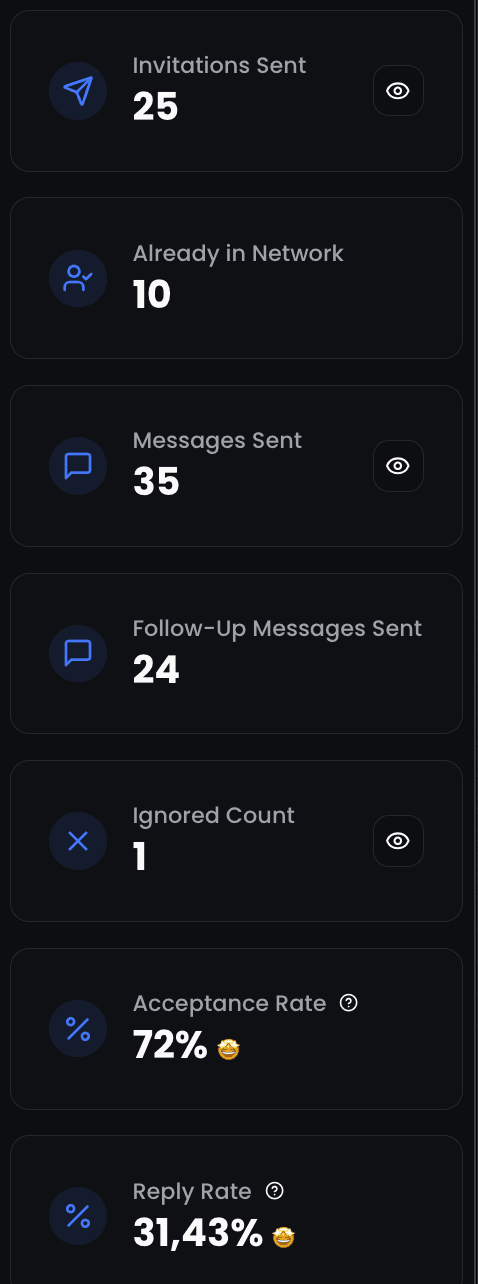
Connection Request Acceptance Rate Calculator
Estimate your LinkedIn connection request performance
Estimated acceptance rate
13.4
67
268
94
Your rate vs. average cold outreach
You are 4.5x more effective than average cold outreach
10 templates that respect the 300-character cap
Every template below clears the cap with room to spare. Character counts are noted at the end of each example.
Shared event
“Hey Marie, your talk at SaaS Connect on activation loops was the clearest framing I have heard this year. Would love to stay in touch beyond the conference. (167 characters)”
Mutual group
“Hi Leo, saw we are both in the GTM France group. Liked your take on intent-based outbound in the thread last week. Connecting. (132 characters)”
Post engagement
“Hi Alex, your post on why win rates beat reply rates was a breath of fresh air. Connecting so I do not miss the next one. (123 characters)”
Mutual connection
“Hi Sam, Julien suggested I reach out. We are both working on PLG motions for technical buyers. Would love to compare notes. (124 characters)”
Newsletter subscriber
“Hi Karim, been reading your newsletter for months. The piece on outbound that actually scales finally pushed me to send the invite. (135 characters)”
Same customer
“Hi Nina, we both work with Doctolib, on different sides. Curious to swap notes on how the deal lifecycle looks from your end. (127 characters)”
Conference DM
“Hey Pierre, missed you at SaaStock but heard great things about your session on retention math. Connecting so I do not lose track. (134 characters)”
Product feedback
“Hi Camille, just started using your tool last week and the onboarding is the cleanest I have seen this year. Would love to connect. (134 characters)”
Same alma mater
“Hi Tom, fellow EM Lyon alum here. Saw you moved into RevOps at Aircall. Connecting because that is the path I am exploring next. (130 characters)”
Direct and honest
“Hi Sofia, I have been following your work on outbound automation for a while. No pitch, just want to be in your network. (122 characters)”
What every template shares: a real reason, a specific reference, zero pitch, well under 200 characters. None of them tries to fill the full 300 because filling the full 300 is exactly what makes a note sound automated.
Scaling personalized notes with ReactIn
ReactIn campaigns send blank invitations by default because, as our 80K-request study shows, no-note invites win on acceptance rate. But there is one case where a note is the right move: when the prospect has shown buying intent (commented on a competitor post, downloaded a lead magnet, attended a webinar, visited a tracked page). In that scenario the note references the actual signal and acceptance rates climb back into the 55 to 65% range.
Capture the intent signal
ReactIn watches 20+ behavioral signals (post engagers, profile visitors, form fills, webinar attendees, competitor commenters) and routes the matching leads into a SmartList automatically.
Reference the signal in the note
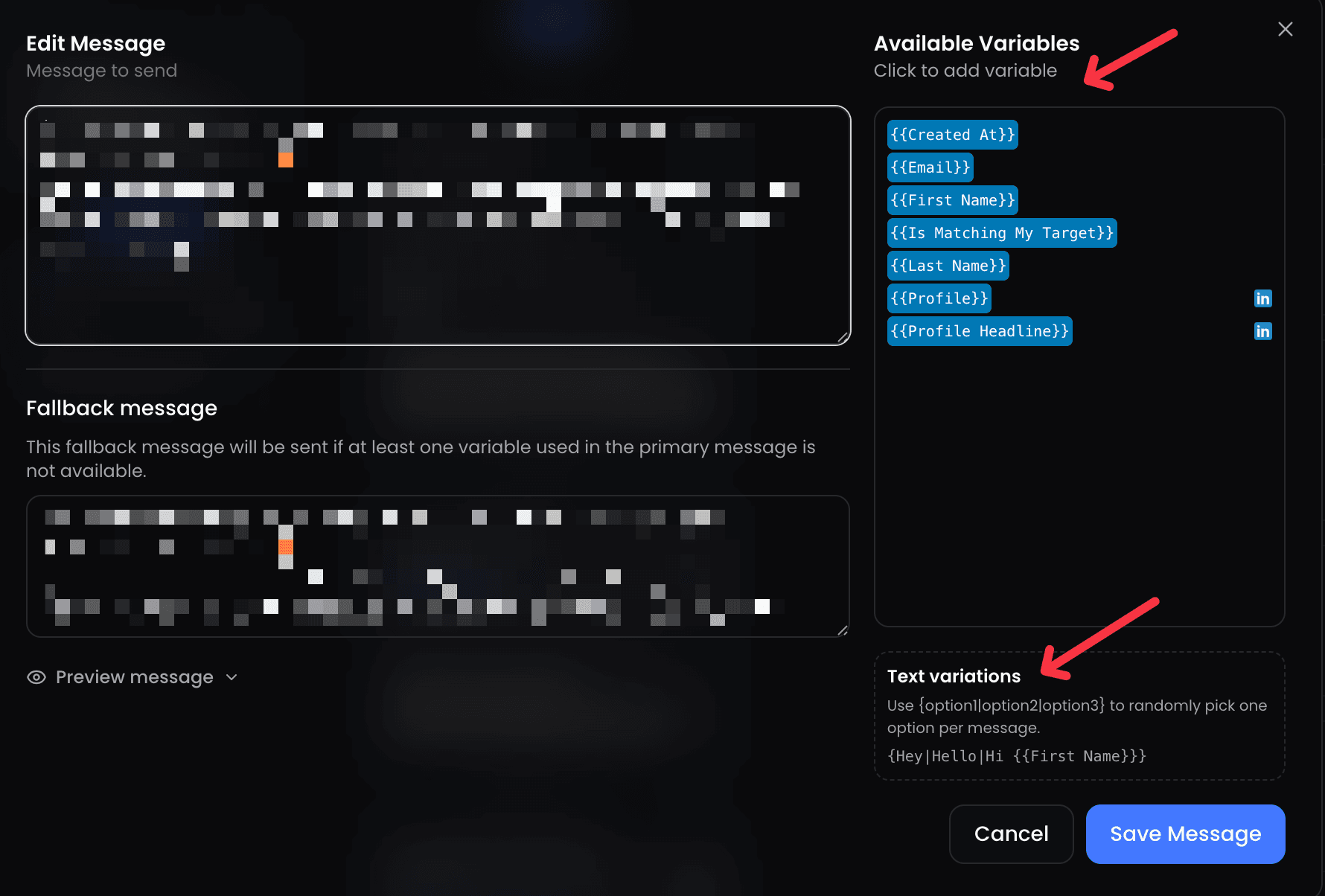
The note template pulls the source of the signal as a variable. The connection request lands with a real reason, written in under 180 characters, and stays well below the 300-character cap.
Skip the note when there is no signal
For prospects entering the campaign cold (no signal yet), ReactIn sends the blank invite. You get the 62% acceptance baseline instead of the 31% you would get filling 300 characters with a generic pitch.
Common mistakes to avoid

Final word
The 300-character cap is not the constraint people think it is. The real constraint is human attention. Notes that win on acceptance rate respect both: they stay around 150 characters, they name a real reason, they leave the pitch for the follow-up DM. Notes that fill the full 300 lose on acceptance rate every single time in our dataset.
For the complete strategy from warmup to closed deals, read our LinkedIn Outreach Playbook for 2026.
Frequently Asked Questions
Sources & Further Reading
- For LinkedIn's official guidance on sending connection requests, see LinkedIn Help: Invitation to Connect.
- LinkedIn's engineering team shares platform updates on the LinkedIn Blog.
Related Articles

Why Waalaxy Stopped Working in 2026 (And How to Fix Your Reply Rates)
Your Waalaxy reply rates cratered in 2026 and you cannot tell why. Here is what changed, why blast outreach stopped working, and how intent-based prospecting brings double-digit reply rates back.
LinkedIn Outreach Playbook 2026: From Warmup to Closed Deals
The complete LinkedIn outreach playbook for 2026. Account warmup, connection request strategies, DM copywriting rules, multi-touch sequences, and optimization tactics. Based on data from 5,000+ campaigns.
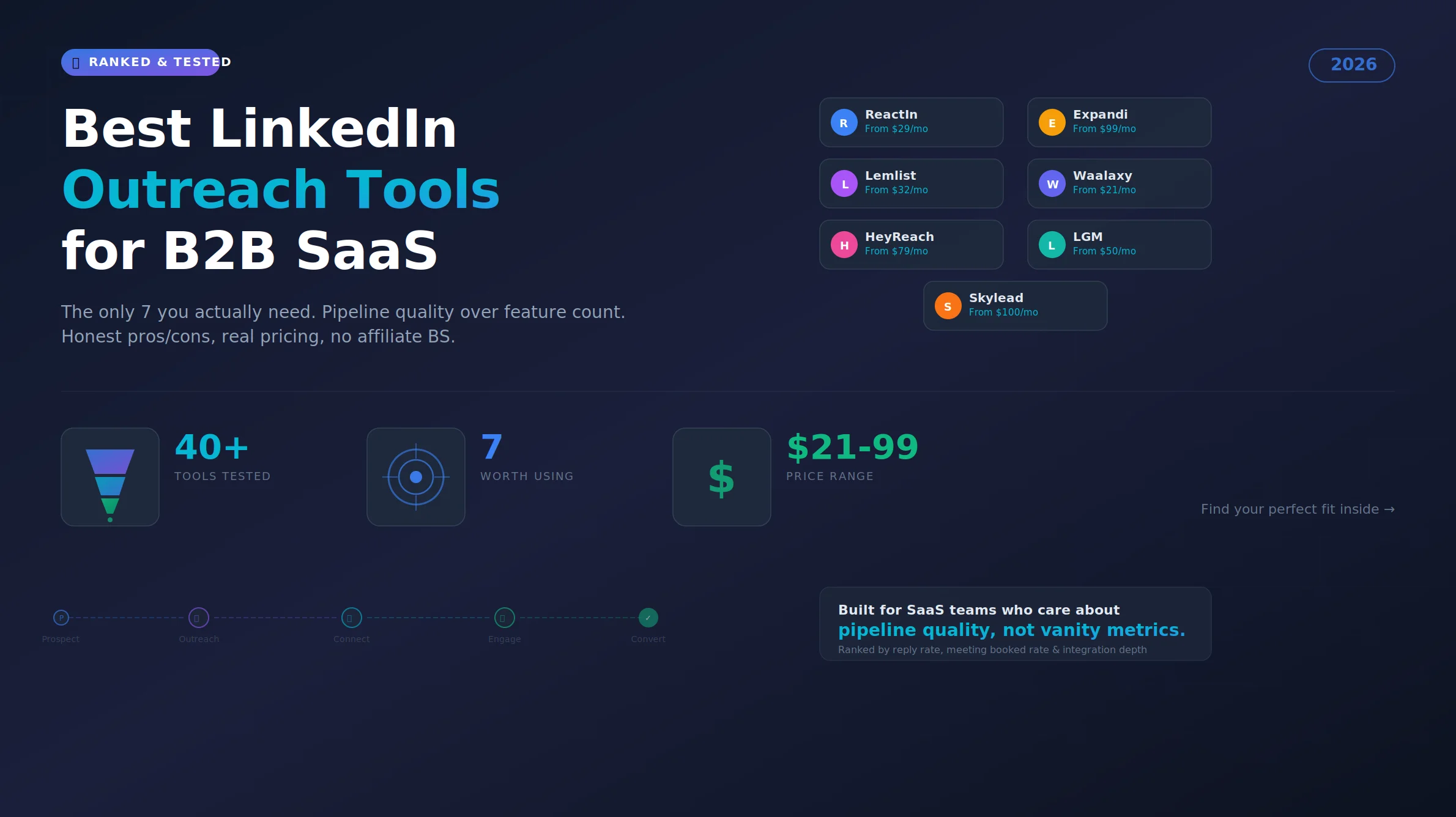
Best LinkedIn Outreach Tool for B2B SaaS in 2026 (Ranked by Pipeline Quality, Not Feature Lists)
The 7 best LinkedIn outreach tools for B2B SaaS in 2026, ranked by pipeline quality and true cost. ReactIn replaces 3-4 tools ($69/mo vs $500+/mo stack) with intent signals, AI enrichment, and automated campaigns. Full 5-seat cost comparison included.

9 LinkedIn DM Copywriting Rules That Get 32-57% Reply Rates (2026)
The average LinkedIn direct message response rate is 8-12%. Our campaigns hit 32-57%. 9 tested copywriting rules, the 5-3-2 rule explained, and how to turn replies into meetings.