LinkedIn Connection Requests: With or Without a Note? (2026 Data)
Should you add a note to LinkedIn connection requests? 80,000+ requests analyzed. No-note invites get 55-68% acceptance vs 28-45% with notes. See when each approach wins.
Should you add a note when sending a LinkedIn connection request? It's the most debated question in B2B outreach. And the answer might surprise you.
We analyzed over 80,000 connection requests sent through automation campaigns in 2024-2025. The results were clear: no-note invites consistently outperform messages with notes. Here's exactly when to use each approach - and why.
⚡ TL;DR
- In 2025-2026, LinkedIn connection requests without notes perform better - 55-68% acceptance vs. 28-45% with notes.
- Use notes only when there's real context (shared event, mutual group, prior interaction).
- Keep them under 200 characters, friendly, and zero-pitch.
- ReactIn defaults to no-note invites for maximum reach and safety.
Best practice: Start with no-note requests, track your acceptance rate for a week, then test personalized notes for contextual leads.
The Great Debate: To Note or Not to Note
Adding a note feels polite. You show intent and context. But here's the catch: most notes sound like sales pitches.
Even when you try to be genuine, the format itself triggers resistance. LinkedIn users have been conditioned to expect a sales angle whenever they see a connection note.
“Hey John, I came across your profile and thought it'd be great to connect. By the way, we help companies like yours…”
Result: low acceptance, spam vibes. That's why modern B2B users often prefer blank invitations that feel organic and non-transactional.
What the Data Shows (Internal Study 2024-2025)
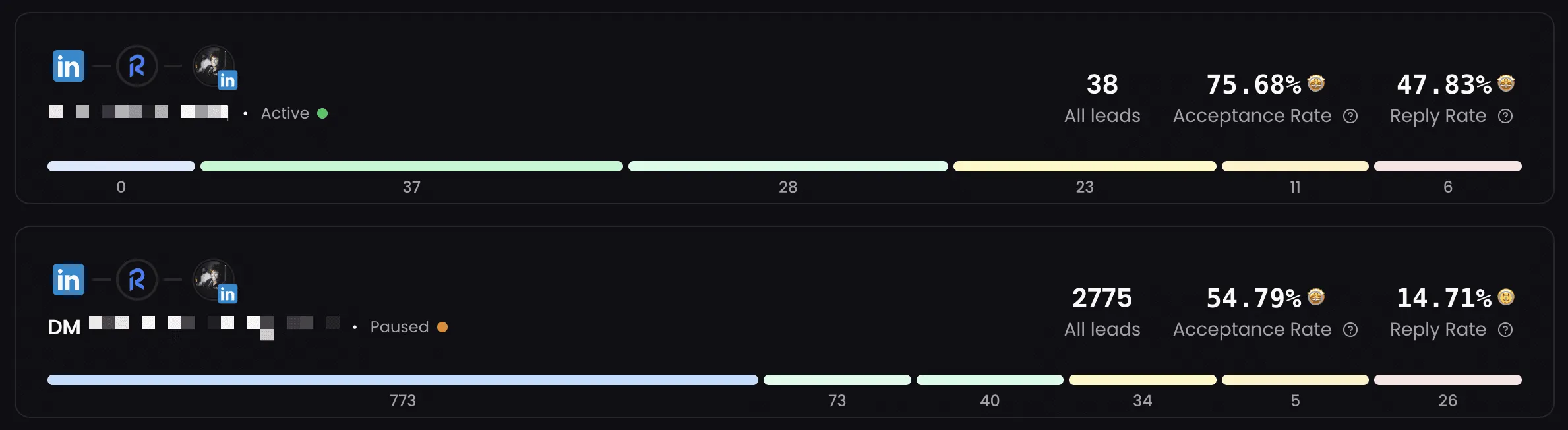
ReactIn analyzed more than 80,000 connection requests sent through campaigns using different automation tools. Here's the breakdown:
acceptance rate without note
acceptance rate with note
acceptance rate with hyper-personalized note
Comparison table
| Approach | Acceptance Rate | Best For |
|---|---|---|
| Without note | 55-68% | Cold outreach, scaling campaigns |
| With generic note | 28-45% | Rarely recommended |
| Hyper-personalized note | 45-60% | Shared context or referrals |
Summary: no-note requests outperform note-based ones in most scenarios. The only exception is hyper-personalized notes that reference a specific, real shared context.
Acceptance Rate Benchmarks by Industry & Seniority
Acceptance rates vary significantly depending on who you're targeting. We broke down our 80K+ dataset by approach type, industry, and seniority level to give you actionable benchmarks.
overall average acceptance rate across all approaches
Acceptance rate by approach
| Approach | Acceptance Rate |
|---|---|
| No note (cold outreach) | 55-68% |
| Generic note | 28-35% |
| Personalized note (template) | 35-45% |
| Hyper-personalized note (manual) | 45-60% |
Acceptance rate by industry
| Industry | Avg. Acceptance Rate |
|---|---|
| Tech / SaaS | 52-65% |
| Finance / Banking | 35-48% |
| Marketing / Agencies | 58-70% |
| Healthcare / Pharma | 30-42% |
Acceptance rate by seniority level
| Seniority Level | Avg. Acceptance Rate |
|---|---|
| Individual Contributors | 60-72% |
| Managers | 50-62% |
| Directors / VPs | 38-50% |
| C-Level Executives | 25-38% |
Why This Happens
Four psychological and behavioral factors explain the data:
- Low friction wins. Accepting a blank invite is effortless. There's nothing to read, evaluate, or feel pressured by.
- Tone beats text. Even neutral, well-intentioned messages can sound automated or salesy. The format itself triggers skepticism.
- Users expect the follow-up DM. Most people know the real conversation happens after acceptance. They'll decide whether to engage then.
- Social norms have evolved. Connection notes used to be expected. In 2025, they're the exception - and often signal automated outreach.
How long can the note actually be?
Quick answer: the LinkedIn connection request note is capped at 300 characters in 2026, on every plan (Free, Premium, Sales Navigator, Recruiter). That includes spaces and emojis.
But just because you can use 300 characters does not mean you should. In our 80K-request dataset, notes between 120 and 180 characters consistently outperform notes that fill the full 300. The longer the note, the more it reads like an automated pitch.
Best Time to Send LinkedIn Connection Requests
Timing matters almost as much as the note itself. Our data reveals clear patterns in when connection requests are most likely to be accepted.
highest acceptance days (8-11 AM local time)
higher acceptance rate during business hours vs. evenings
Requests sent Tuesday through Thursday between 8 AM and 11 AM in the recipient's local time zone consistently outperform those sent on weekends or late evenings. The logic is simple: professionals are on LinkedIn during work hours, and they're more likely to accept when they're already in a professional mindset.
Avoid Mondays (inbox overload) and Fridays (weekend wind-down). Saturday and Sunday requests tend to sit unanswered until Monday, when they get buried under fresh notifications.
Combine optimal timing with the no-note approach, and you're stacking two proven advantages: less friction and better visibility.
When Adding a Note Still Works
Notes can boost acceptance rates - but only in specific, high-context situations:
👀 Shared event
“Hey Marie, loved your talk at SaaS Connect last week - would love to stay in touch.”
🤝 Mutual group
“Hi Leo, saw we're both in the GTM France group - thought I'd connect.”
💬 Recent interaction
“Hi Alex, your post on AI workflows was spot on. Would love to connect.”
Keep it short (under 200 characters), specific, and non-salesy.
How ReactIn Handles Connection Requests
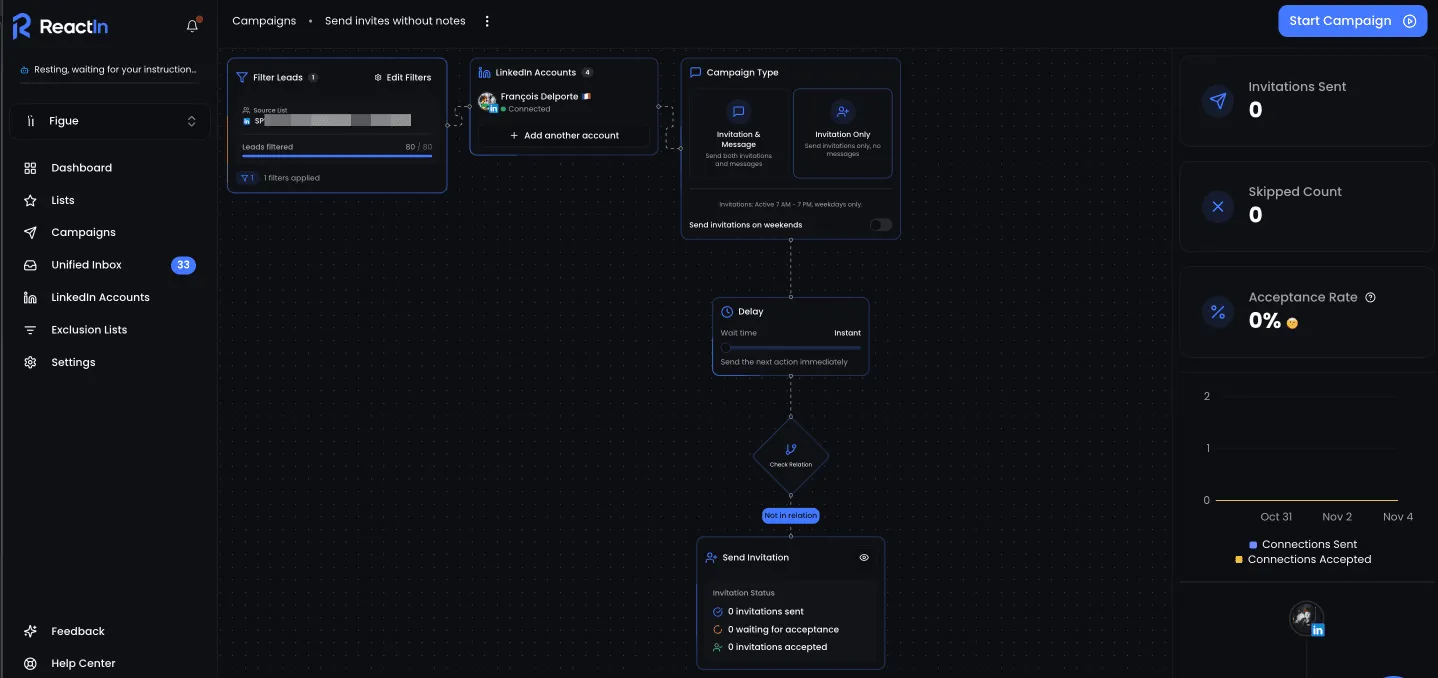
ReactIn campaigns are built on data, not assumptions. By default, ReactIn sends connection requests without notes - the highest-performing setup. We're so convinced by the data that this option isn't even available within ReactIn campaigns.
Two reasons why it works:
- Higher acceptance rates → more leads entering your pipeline.
- Natural behavior → no "template fatigue" or spam signals.
Want to go further with connection automation? Read our guide on how to automatically accept LinkedIn connection requests.
Example Workflow Using ReactIn
Goal: test the no-note approach and measure your results.
Create a SmartList with your ICP
Define your Ideal Customer Profile using LinkedIn filters (title, industry, location, company size). SmartLists auto-populate with matching prospects.
Launch an Invitation-Only Campaign
Select your SmartList and create a campaign with invitation only (no note). ReactIn handles the daily pacing and safety limits.
Track acceptance rates for 7 days
Monitor your campaign dashboard. You'll see acceptance rate, daily accepted count, and connection growth in real time.
Review your results
After one week, check your acceptance rate percentage. Most users see 55%+ acceptance rates with the no-note approach.
Safety & Automation Tips
Whether you use notes or not, safety comes first. LinkedIn actively monitors for bot-like behavior.
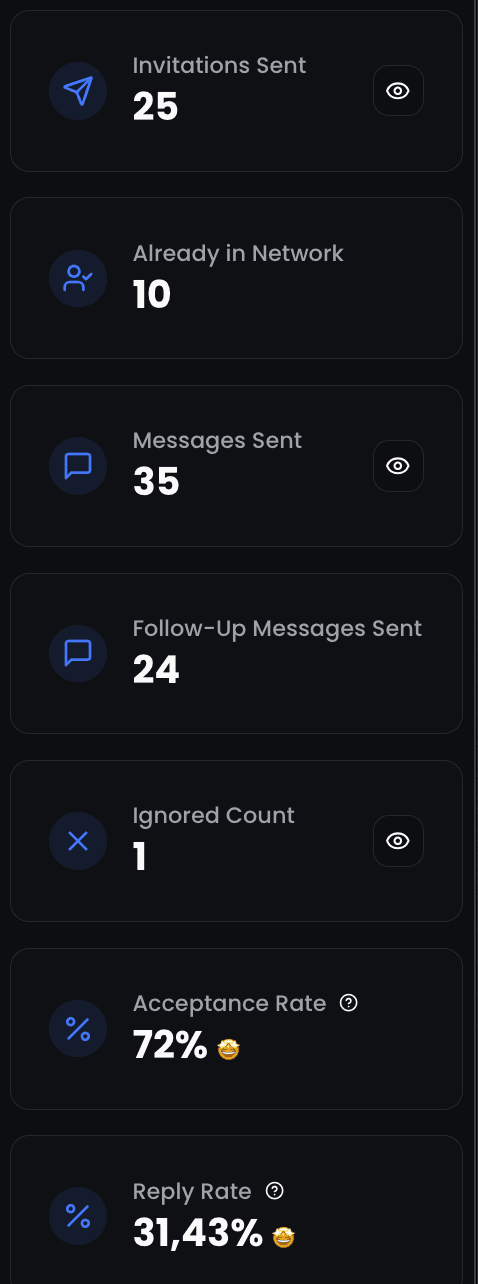
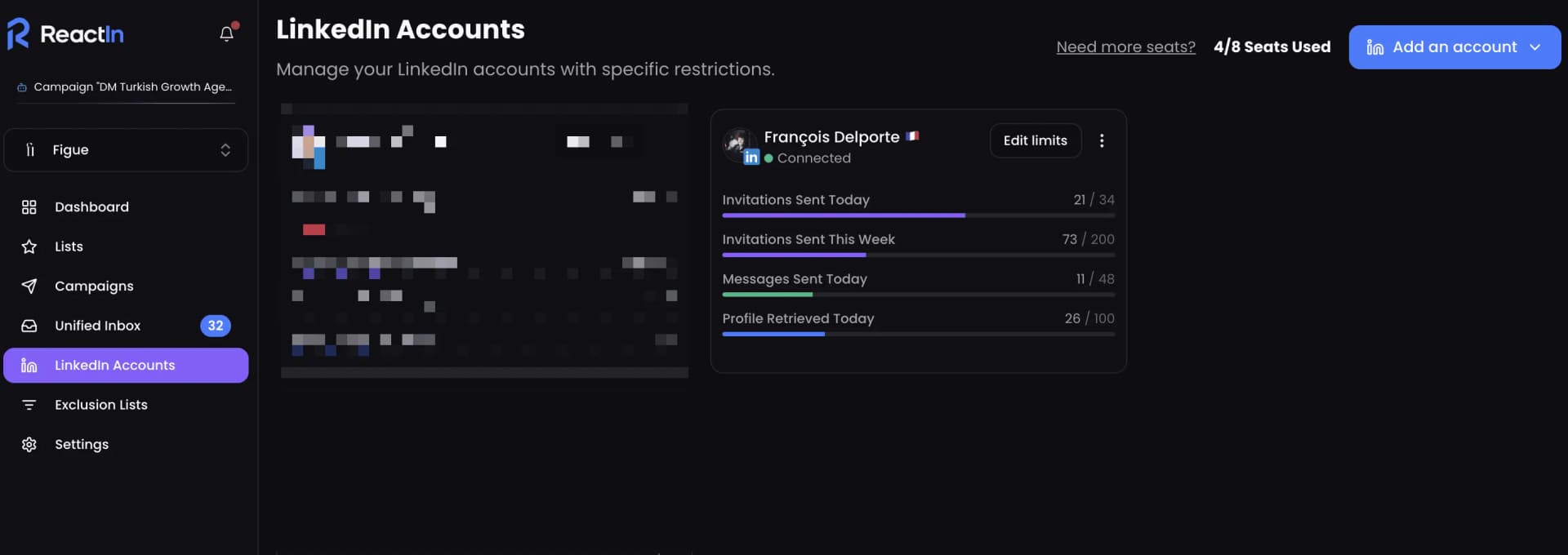
ReactIn automates all of these safety rules - randomized delays, daily caps, and safe limits to keep your account protected.
Quick Recap
Here's when to use each approach:
| Scenario | Approach | Why |
|---|---|---|
| General networking | No note | Feels natural and social |
| Shared event or group | Short note | Adds relevance and context |
| Sales / partnership intent | After acceptance | Avoids resistance |
| Automated campaigns | No note | Safe and scalable |
Ready to try it? Start your free ReactIn trial now (no credit card required).
For the complete strategy from warmup to closed deals, read our LinkedIn Outreach Playbook for 2026.
Frequently Asked Questions
Sources & Further Reading
- LinkedIn explains how connection requests work in their Help Center article on invitations.
- For broader research on outreach acceptance rates, HubSpot published findings in their Sales Outreach Statistics report.
Related Articles

Why Waalaxy Stopped Working in 2026 (And How to Fix Your Reply Rates)
Your Waalaxy reply rates cratered in 2026 and you cannot tell why. Here is what changed, why blast outreach stopped working, and how intent-based prospecting brings double-digit reply rates back.
LinkedIn Outreach Playbook 2026: From Warmup to Closed Deals
The complete LinkedIn outreach playbook for 2026. Account warmup, connection request strategies, DM copywriting rules, multi-touch sequences, and optimization tactics. Based on data from 5,000+ campaigns.
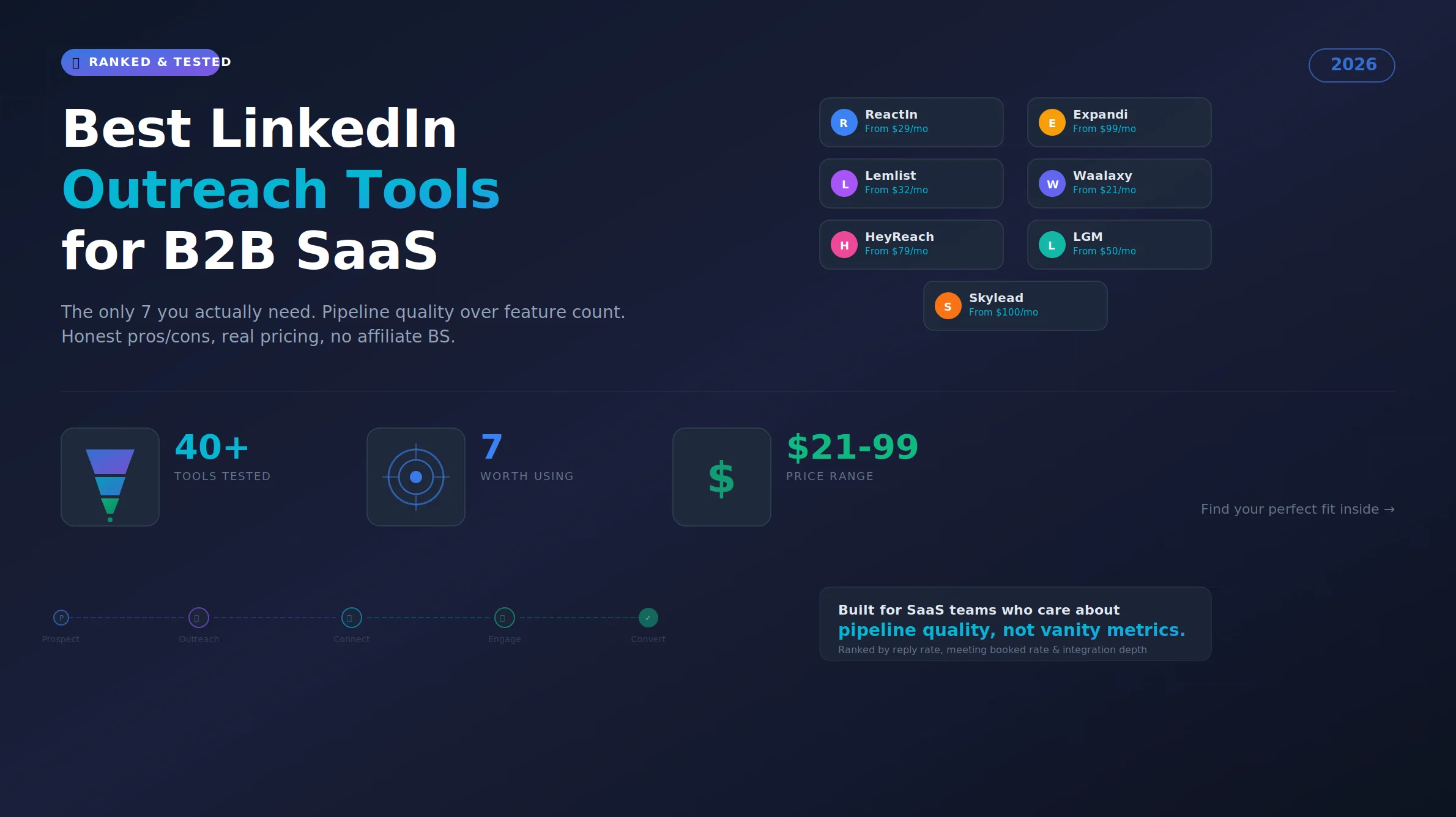
Best LinkedIn Outreach Tool for B2B SaaS in 2026 (Ranked by Pipeline Quality, Not Feature Lists)
The 7 best LinkedIn outreach tools for B2B SaaS in 2026, ranked by pipeline quality and true cost. ReactIn replaces 3-4 tools ($69/mo vs $500+/mo stack) with intent signals, AI enrichment, and automated campaigns. Full 5-seat cost comparison included.
LinkedIn Connection Request Note Character Limit 2026: Official Limit, Rules & Templates
The official LinkedIn connection request note limit in 2026 is 300 characters, on every plan. But notes between 120 and 180 characters win on acceptance rate. Full breakdown, 10 templates, and the difference with InMail and DM limits.